Fixing Captive Portal Issues|Tips to Improve Public WiFi Connection Performance
· 5 min read

1. Introduction
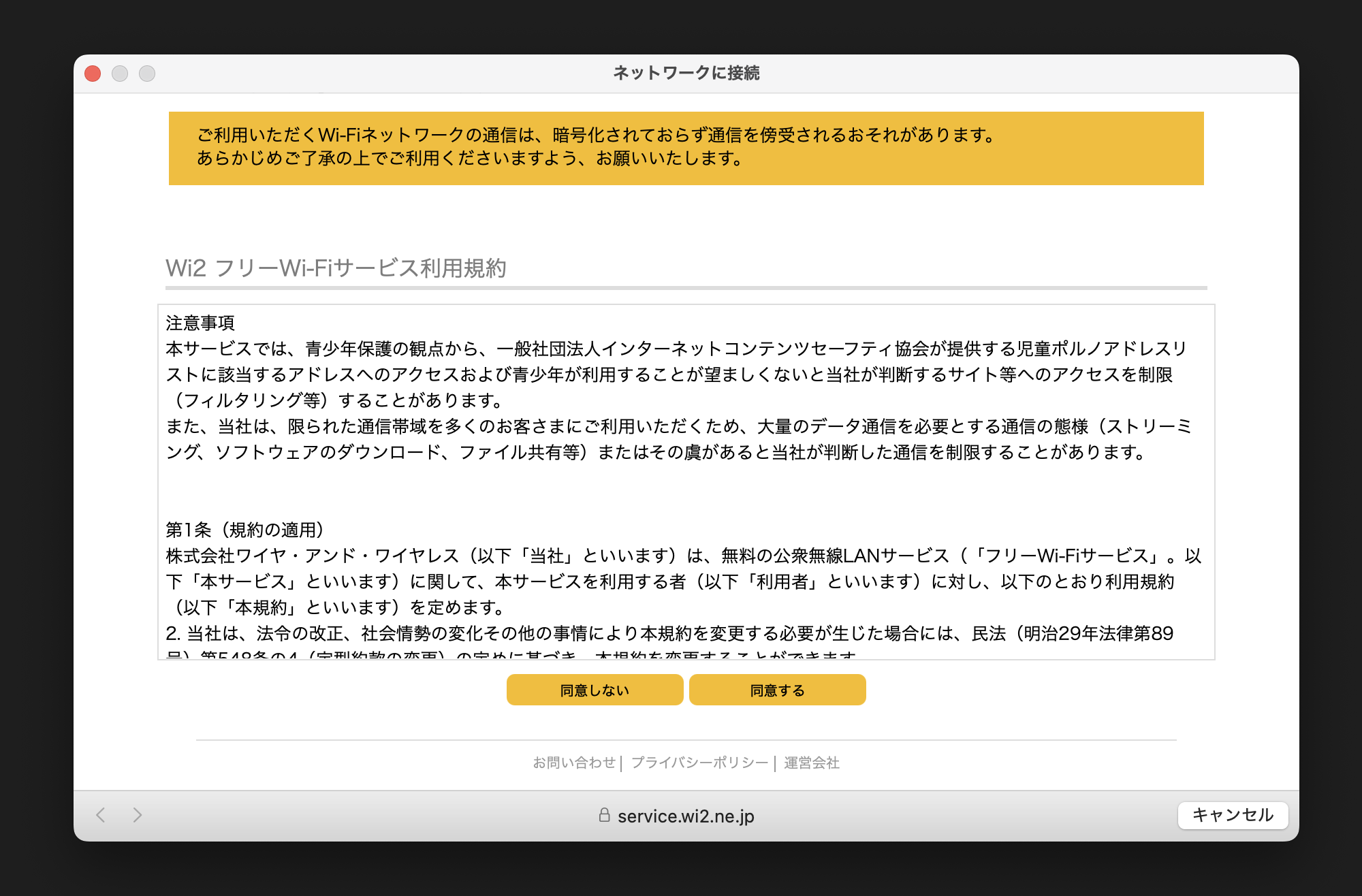
Have you ever tried connecting to public WiFi at a café or hotel, only to find that the authentication screen (captive portal) takes forever to appear, or doesn't show up at all?
I frequently struggled with this issue while working remotely, feeling the stress of "not being able to start work because I can't connect to the internet." However, after some investigation, I discovered that past WiFi connection history accumulated on the device was the culprit.
Based on my personal experience, this article explains how to organize and delete unnecessary WiFi history on both Mac and iPhone. This simple maintenance can improve the speed at which the login screen appears and ensure smooth connections to public WiFi.