No Registration or Download Required. Released a Free Darts Calculator (01 & Cricket) Ready to Use in Your Browser.

· 4 min read
hiroaki
Individual Developer
If this site helped you, please support us with a star! 🌟
Star on GitHub
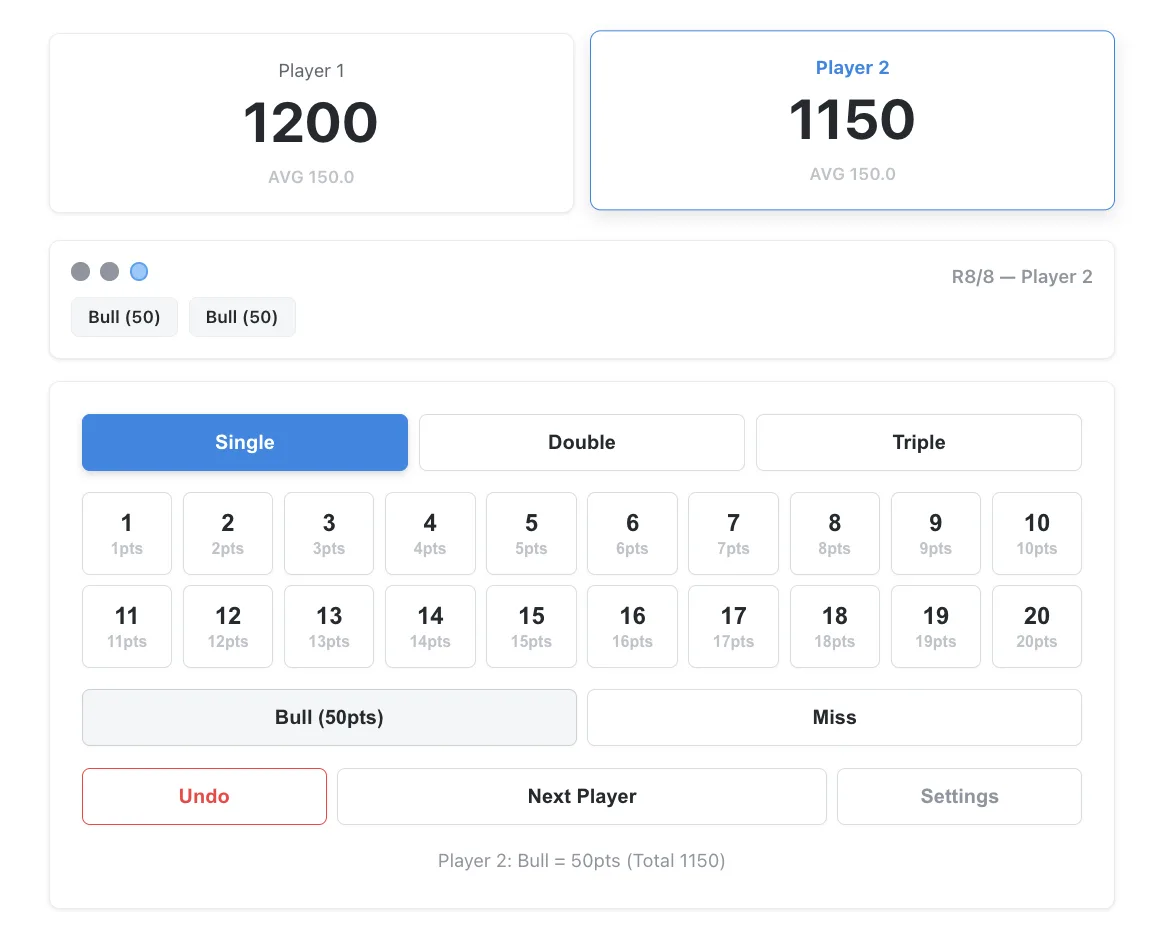
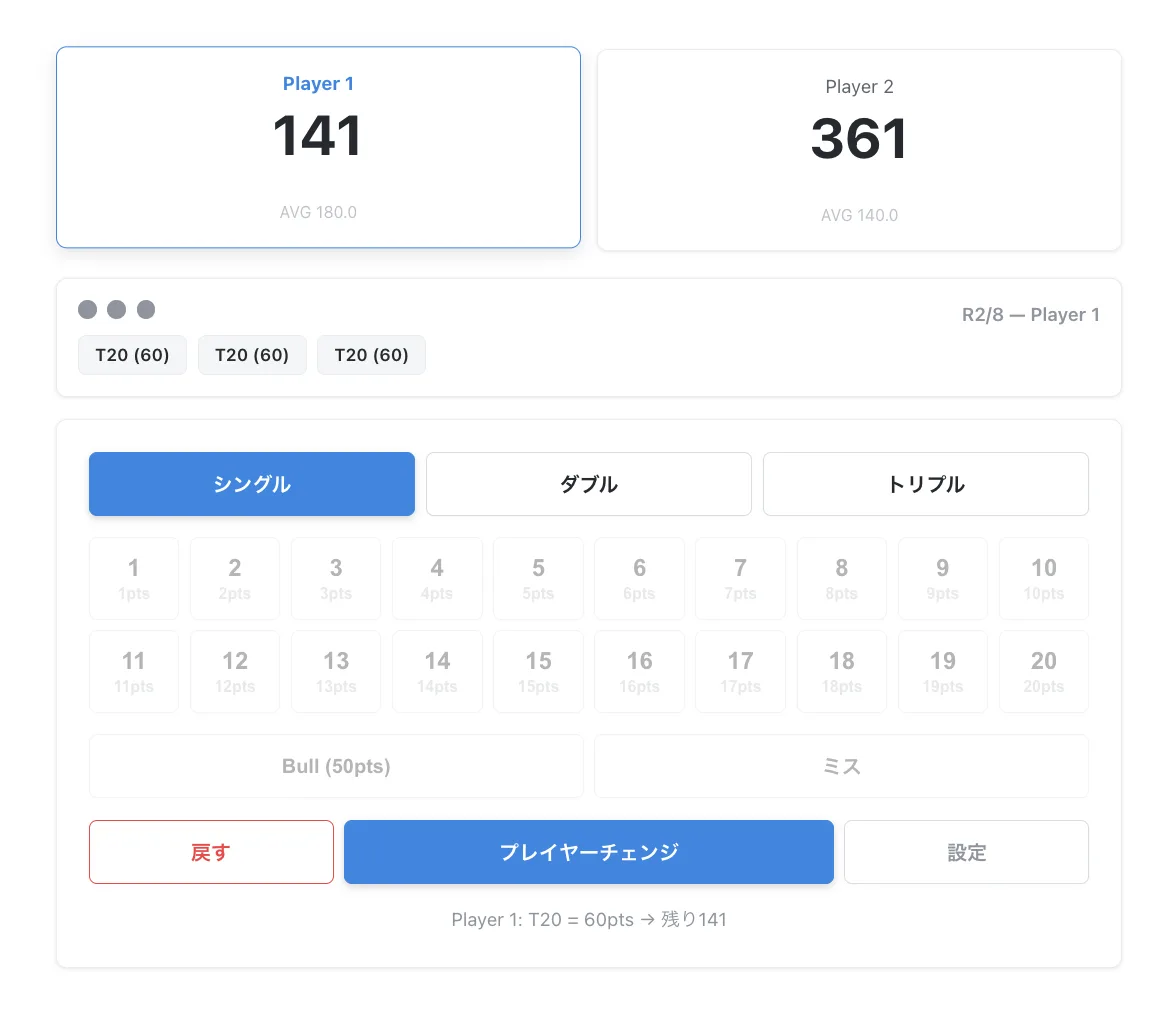
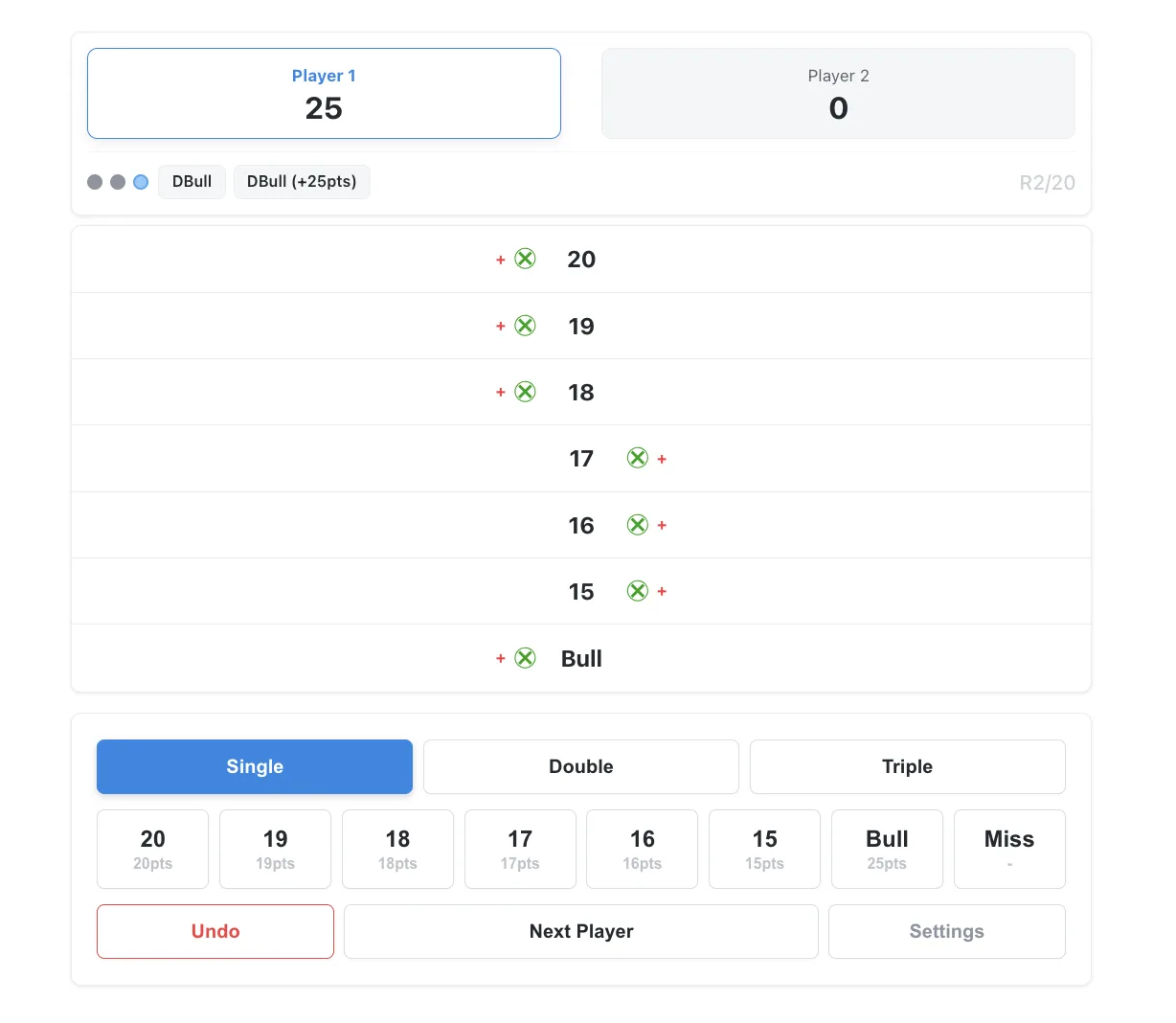
01 Game Darts Score Calculator ScreenCricket Darts Score Calculator Screen

I have a steel tip dartboard at home, and until now, I used to calculate scores in my head while throwing. However, when I played with friends, we needed a proper calculator. When I looked for one, I found that many required installing a smartphone app or creating an account—it was surprisingly hard to find something quick and easy to use.

So, I created a simple "Darts Calculator Web App" that requires no downloads or registration and is ready to use just by opening a browser. I've published it on my personal website. It fully supports score management for the classic 01 (Zero-One) and Cricket games.

I Released a Private LLM Chat Tool That Runs on Google Colab's GPU and Stores No Logs.

· 4 min read
hiroaki
Individual Developer
If this site helped you, please support us with a star! 🌟
Star on GitHub

ChatGPT and Claude are great tools, but do you ever hesitate before typing something work-related or personal into them? On the other hand, setting up a local GPU environment to run Ollama yourself is a steep barrier in terms of both effort and cost.

So I built a private LLM chat environment using Google Colab's free GPU — one that never sends conversation logs outside the instance — and packaged it into a single notebook. Run the cells from top to bottom, and it's ready to go.

Releasing Colab Mosaic Clip — a Google Colab tool for applying mosaics to any region of a video

· 3 min read
hiroaki
Individual Developer
If this site helped you, please support us with a star! 🌟
Star on GitHub

Today I'm releasing Colab Mosaic Clip — an open-source tool that applies a mosaic or solid-color mask to any time range and region of a video, entirely through a GUI, and exports the result as MP4. It runs ffmpeg and Pillow on Google Colab, so everything from specifying the time range to placing mosaic regions and exporting the final file is handled inside the notebook UI.

Releasing "Ollama Colab Free Server" — Run Ollama on Google Colab as a Free LLM Server

· 3 min read
hiroaki
Individual Developer
If this site helped you, please support us with a star! 🌟
Star on GitHub

Today I'm releasing Ollama Colab Free Server, an open-source notebook that runs Ollama on Google Colab's free GPU and makes it instantly available as a backend for Claude Code and Continue. Execute the cells top to bottom, and a publicly accessible LLM server is up within minutes.

Zoom Feature Added to Make Demo GIF / MP4

· 3 min read
hiroaki
Individual Developer
If this site helped you, please support us with a star! 🌟
Star on GitHub

Make Demo GIF / MP4, released earlier this month, now includes a zoom feature. When you want to draw attention to a specific interaction in a screen recording, simply dropping in a GIF or MP4 does not always communicate what matters. This update adds an optional zoom effect that smoothly magnifies any area of the video to highlight button clicks, form inputs, or other key UI moments.

Releasing "Make Demo GIF / MP4" — A Google Colab Tool for Converting Screen Recordings to GIF & MP4

· 3 min read
hiroaki
Individual Developer
If this site helped you, please support us with a star! 🌟
Star on GitHub
Make Demo GIF / MP4 demo

Today I'm releasing Make Demo GIF / MP4, an open-source tool that converts screen recordings into GIFs or MP4s optimized for GitHub READMEs and social media. It runs FFmpeg on Google Colab, letting you merge multiple videos, tune quality, and adjust playback speed — all through a notebook UI, no command line required.

Releasing Ollama Multi-Model Benchmarker: Compare Local LLMs for Free on Google Colab

· 3 min read
hiroaki
Individual Developer
If this site helped you, please support us with a star! 🌟
Star on GitHub

Today we are releasing Ollama Multi-Model Benchmarker, an open-source tool for evaluating local LLMs before committing to a setup. It runs multiple Ollama models sequentially on Google Colab's free T4 GPU and produces a side-by-side comparison of generation speed, responsiveness, model size, and more.

How I Freed Up 109GB of Disk Space on My M1 Mac | Cleaning Up the ScreenRecordings Folder

· 4 min read
hiroaki
Individual Developer

System Settings Storage Screen

1. Introduction

My MacBook operates smoothly, but I recently wondered, "Are there any unnecessary files or settings accumulating where I can't see them?" prompting me to perform a system health check using the Terminal.

While there were no security issues, I discovered a shocking fact regarding my storage. A single hidden folder, invisible from the standard System Settings, was consuming a massive 109GB of space.

In this article, I will share the story of how I identified the cause of this storage hog and the steps I took to recover over 100GB of free space.