4 posts tagged with "macOS"

macOSのTIPSや設定に関する記事。

View all tags

How I Freed Up 109GB of Disk Space on My M1 Mac | Cleaning Up the ScreenRecordings Folder

· 4 min read
hiroaki
Individual Developer

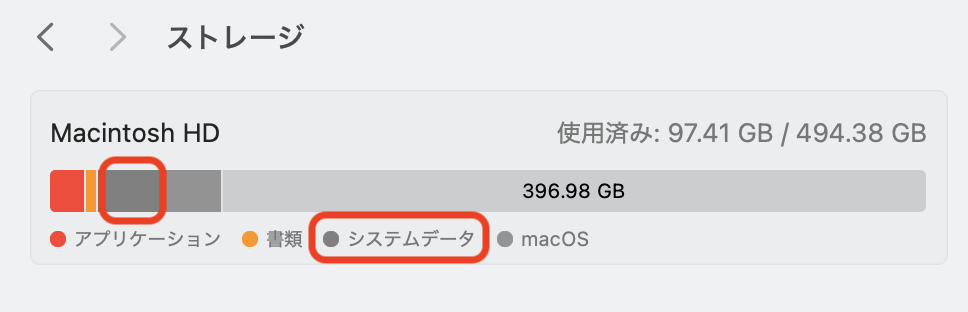
System Settings Storage Screen

1. Introduction

My MacBook operates smoothly, but I recently wondered, "Are there any unnecessary files or settings accumulating where I can't see them?" prompting me to perform a system health check using the Terminal.

While there were no security issues, I discovered a shocking fact regarding my storage. A single hidden folder, invisible from the standard System Settings, was consuming a massive 109GB of space.

In this article, I will share the story of how I identified the cause of this storage hog and the steps I took to recover over 100GB of free space.
公衆WiFiの認証画面が出ない問題を解決|公衆WiFiの接続パフォーマンスを改善するTIPS

· 6 min read
hiroaki
Individual Developer
If this site helped you, please support us with a star! 🌟
Star on GitHub

1. はじめに

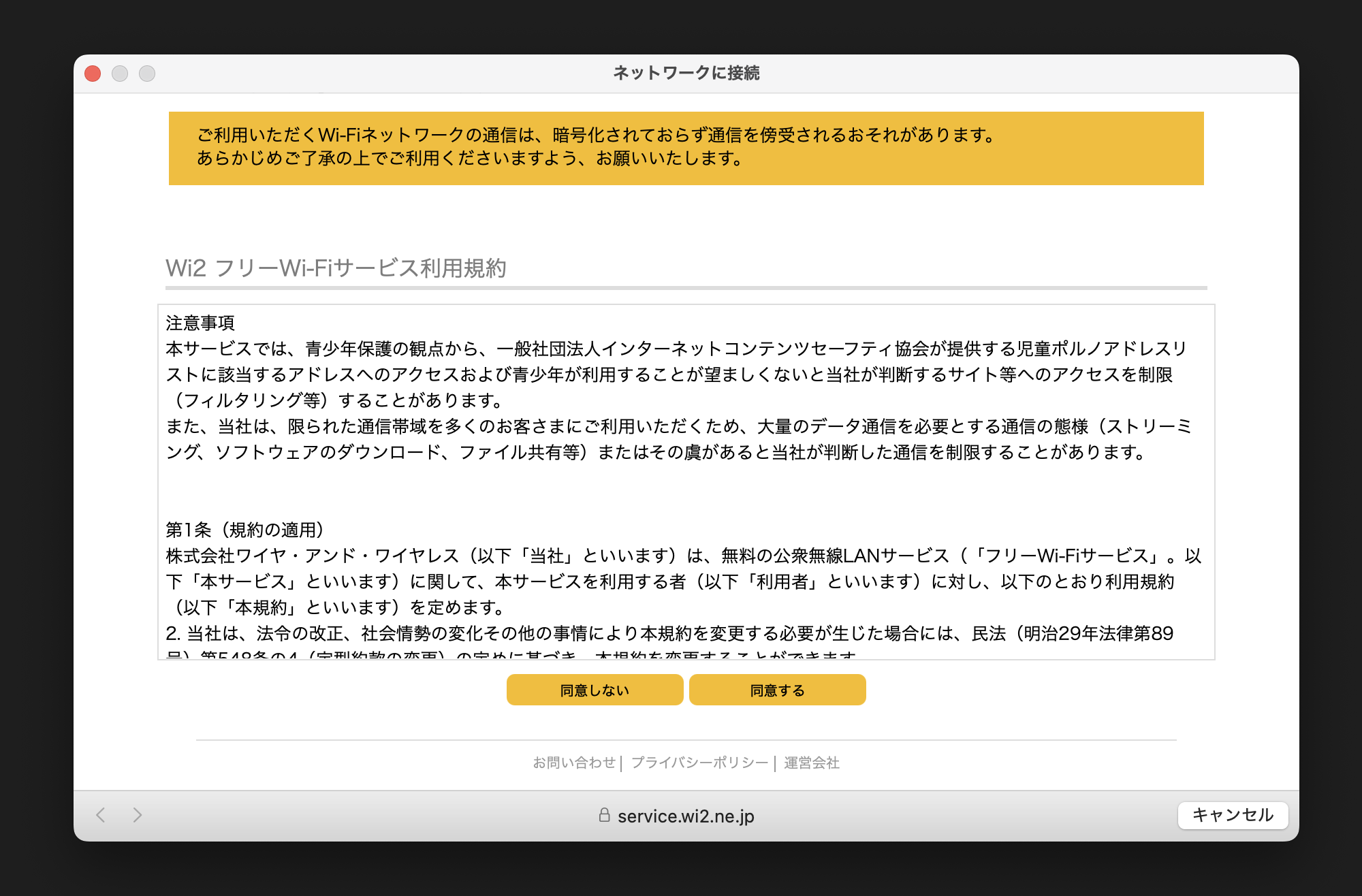
カフェやホテルなどで公衆WiFiに接続しようとした際、認証画面(キャプティブポータル)がなかなか表示されない、あるいは全く出てこない経験はありませんか?

私自身、外出先で作業をする際にこの現象に頻繁に悩まされ、「ネットに繋がらないせいで仕事が始められない」というストレスを感じていました。しかし調査の結果、デバイスに溜まった過去のWiFi接続履歴が原因であることが判明しました。

本記事では、私の実体験をもとに、MacとiPhoneで不要なWiFi履歴を整理・削除することで、認証画面の表示を改善し、公衆WiFiへスムーズに接続するための手順を解説します。

公衆WiFiの認証画面(キャプティブポータル)の例

How to Fix Custom Wallpaper Not Applying or Resetting on macOS

· 4 min read
hiroaki
Individual Developer

1. Overview

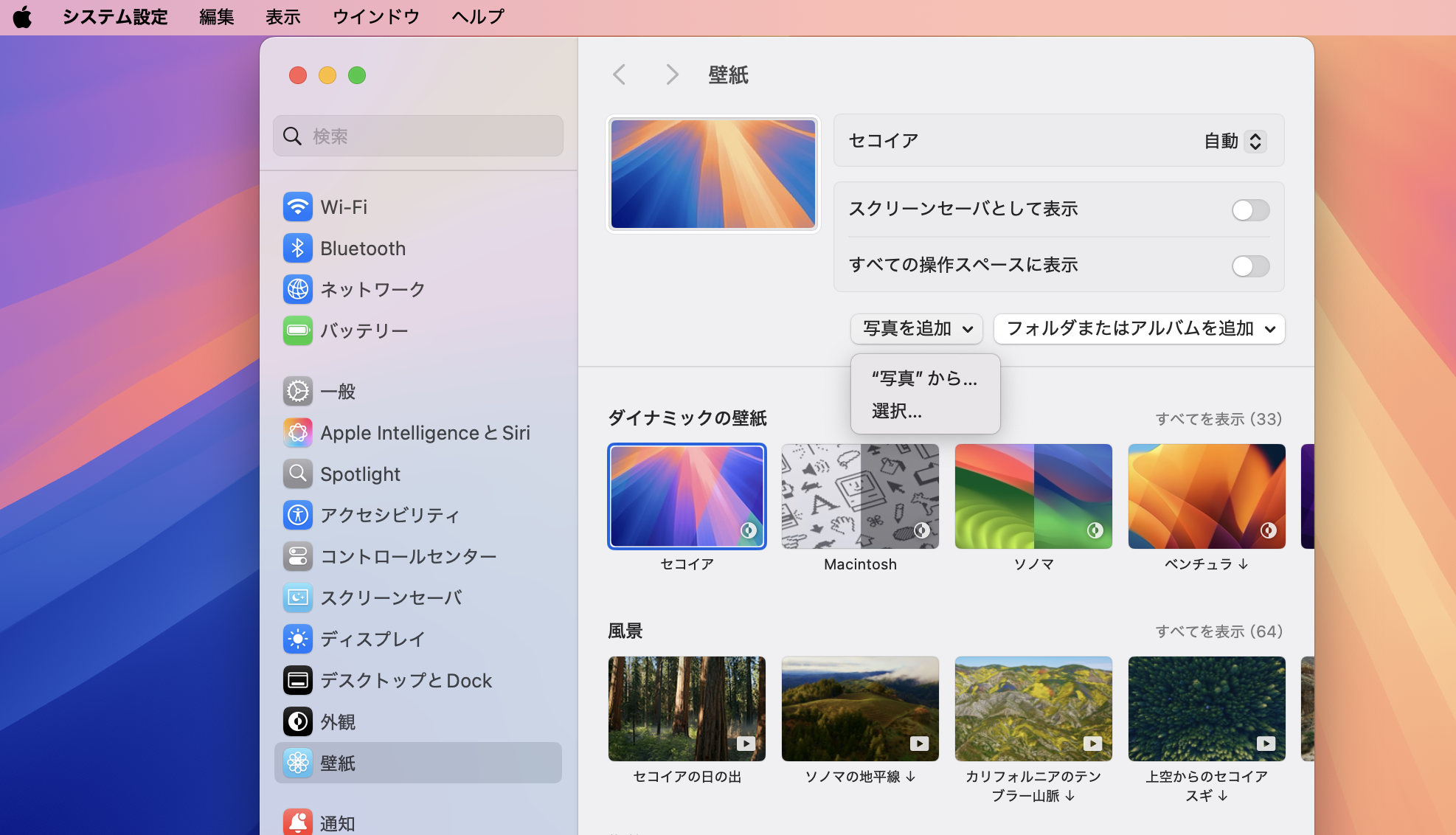
This article provides a step-by-step solution for an issue on MacBooks where custom image files set as wallpaper (Desktop Picture) through System Settings are not applied correctly or are reset after a restart. After struggling with this minor but persistent issue for years, I finally found a solution and wanted to share it.

Wallpaper settings failing to apply from the System Settings menu

How to Enable Key Repeat on Mac by Disabling the Accent Menu

· 3 min read
hiroaki
Individual Developer

Restore Comfortable Typing on Your Mac

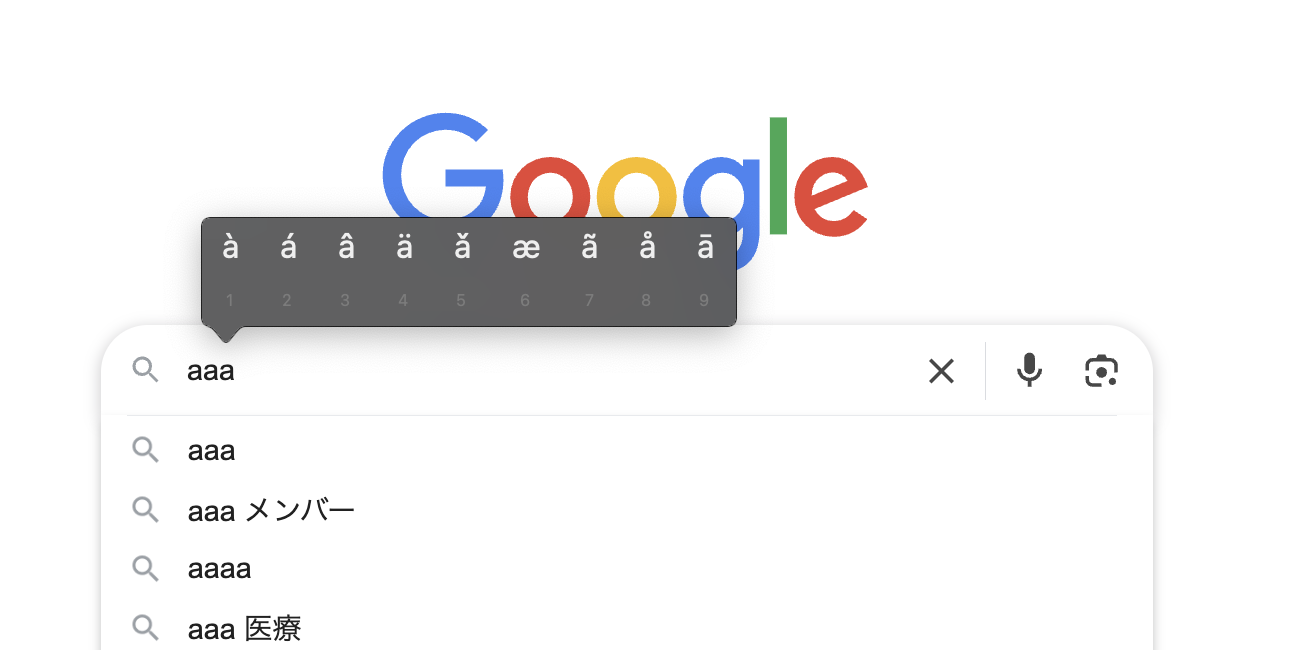
When you're writing or coding on your Mac, have you ever held down a key like a, expecting it to repeat like aaaaa..., only to be interrupted by a menu of accented characters (like à)?

Accent Menu

This is a handy macOS feature called "Press and Hold," but it can hinder your workflow, especially when you need to type the same character repeatedly for coding or writing.

This article provides a clear, step-by-step guide on how to disable this accent menu and enable traditional key repeat, even for those unfamiliar with macOS.

This guide has been tested on the following environment:

  • Mac: M1, 2020
  • macOS: Sonoma 15.1 (24B83)