5 posts tagged with "個人開発"

一人開発・個人OSSの運用・保守・ワークフローに関する記事。

View all tags

[November 2026 Edition] How I Enrolled in the Apple Developer Program as an Organization Under My Trade Name as a Sole Proprietor in Japan, Without Exposing My Real Name or Personal Phone Number

· 30 min read
hiroaki
Individual Developer
If this site helped you, please support us with 🌟 ☕️

When I got ready to ship an iOS app, I had to decide how to enroll in the Apple Developer Program. If you enroll as an individual, your real name appears as the seller on the App Store. At the same time, my business is nowhere near big enough to justify setting up a company.

So I enrolled as an organization under my trade name as a sole proprietor, "HKDocs". I settled on the plan on September 18, 2026, and the membership became active as an organization on October 27. Along the way the enrollment stopped once with the error "Your organization is not listed as a legal entity", and contacting Apple Support got it moving again.

Apple's official pages say that sole proprietors should enroll as individuals and that trade names are not accepted for organization enrollment, so what I did falls outside that rule. Earlier articles on the same topic helped me a lot, so as an updated version of them, this article records the actual steps I took in September and October 2026, the costs, and where I got stuck and what I did about it.
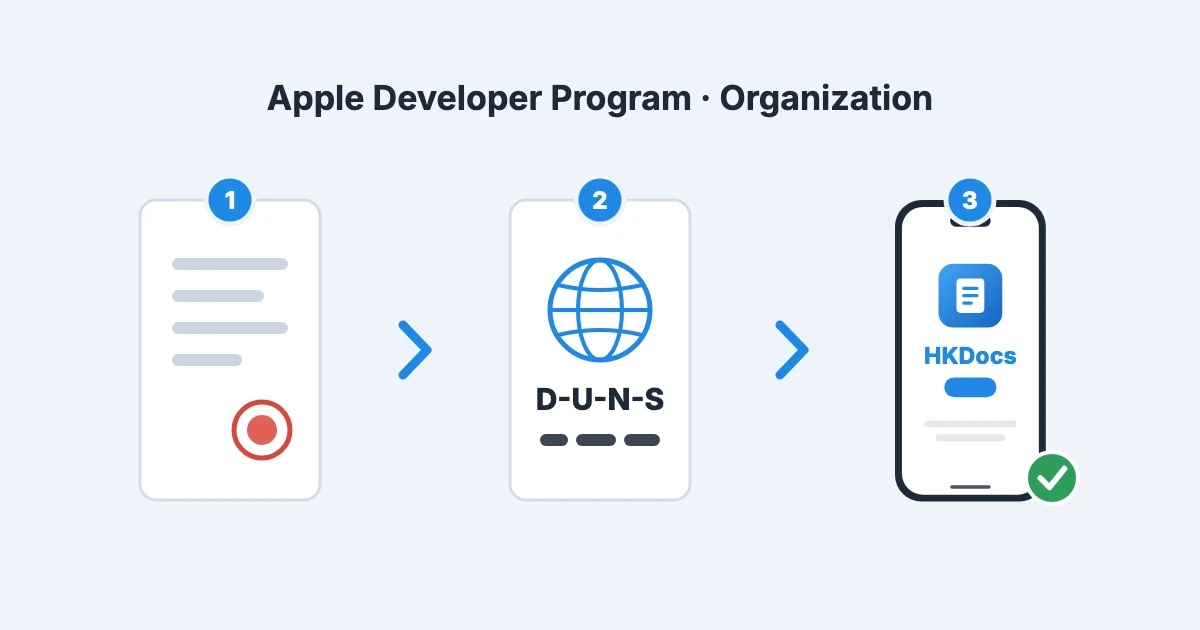
An illustration under the heading "Apple Developer Program · Organization" showing three numbered steps connected by arrows: a stamped document, a globe card labeled "D-U-N-S", and a smartphone showing an app by "HKDocs"

Is This Café Wi‑Fi Safe to Use? "cafe-wifi-okawari" Now Includes an Offline Network Check

· 6 min read
hiroaki
Individual Developer
If this site helped you, please support us with 🌟 ☕️
The cafe-wifi-okawari logo: a coffee cup whose steam turns into Wi‑Fi waves

I've added a network check to "cafe-wifi-okawari", the Mac tool that automatically reconnects you when your free café Wi‑Fi session times out.

Staying connected is convenient, but most free café Wi‑Fi is not encrypted. If someone on the same Wi‑Fi pretends to be the router, or your Mac's settings leave it open to others on the network, you normally have no way of noticing. So the tool now looks at the Wi‑Fi you're connected to and your Mac's settings every 10 seconds, and lets you know in the menu bar only when there are warning signs.

Stop Reconnecting to Café Wi‑Fi Every Hour. Introducing "cafe-wifi-okawari", a Mac Tool That Reconnects Automatically When Your Session Times Out.

· 6 min read
hiroaki
Individual Developer
If this site helped you, please support us with 🌟 ☕️
The cafe-wifi-okawari logo: a coffee cup whose steam turns into Wi‑Fi waves

When you work at a café, the internet often stops after about an hour and the Wi‑Fi login page pops up again. Your free Wi‑Fi session has timed out, and you have to open the page and press "Accept" all over again.

Having this happen in the middle of research or a focused writing session was a small but constant source of stress. So I built "cafe-wifi-okawari", a Mac tool that reconnects you automatically when the session times out, and released it for free. Accept the terms yourself once at the shop, and the tool keeps topping up your connection, just like a coffee refill (okawari in Japanese).

Please note that the tool is built for the free Wi‑Fi at café chains in Japan, and does not work with networks outside Japan.

Pulling X Ads Numbers via API Requires an Application — A Look at the Ads API Access Form

· 7 min read
hiroaki
Individual Developer
If this site helped you, please support us with 🌟 ☕️

I run small paid campaigns on X (formerly Twitter) for a service I operate on my own, and I had been copying the numbers out of the Ads Manager UI by hand every time. Looking into pulling them via API instead, I found that the X Ads API is a separate, approval-gated program from the regular X API, and using it requires an application. I had assumed API keys were enough, so this caught me off guard.

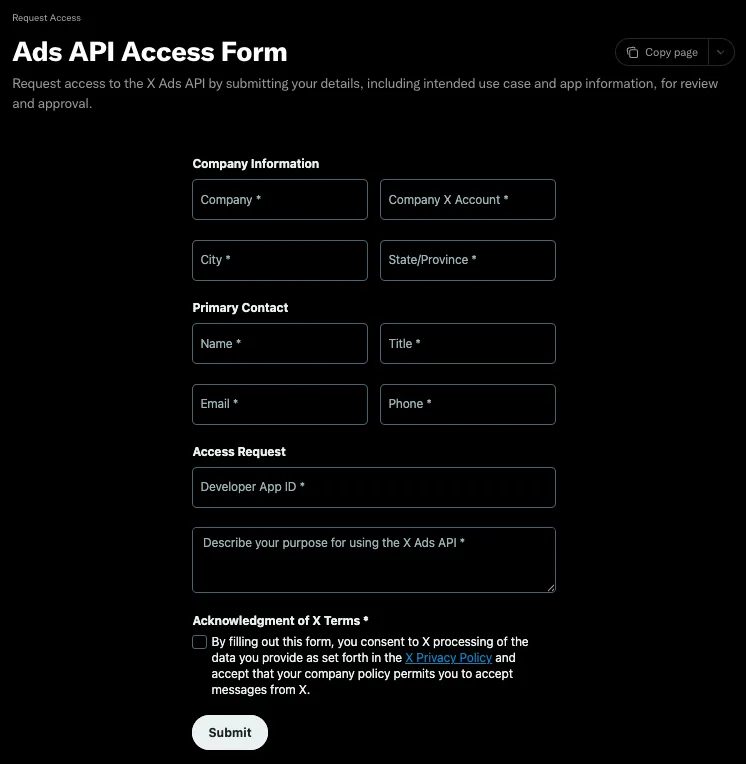
The form is behind a login, and you cannot tell what it asks for ahead of time. Here is the screen as of September 2026, along with what I put in each field.

The X Ads API Access Form in full, made up of four blocks: Company Information, Primary Contact, Access Request, and the terms acknowledgment

Keeping Claude Code Docs Out of the Public Repo with .git/info/exclude — A Design Log on Exclusion and History Management

· 8 min read
hiroaki
Individual Developer
If this site helped you, please support us with 🌟 ☕️

When I introduced Claude Code into a personal OSS repository I develop and maintain on my own, a requirement emerged: I wanted to keep the AI-related settings and documentation out of the public repository and operate them locally only. In this post, I focus on the two topics I spent the most time considering — the use cases for exclusion settings, and the design of history management, which tends to become scattered in AI-assisted workflows.

Context and Assumptions

The target is a solo-developed (personal OSS) repository, with branch protection requiring PRs and CI already configured on main / develop. Claude Code is used from within the editor, and the main tasks are refactoring, writing articles, and improving features — repetitive work that mostly stays local.