hiroaki
Individual Developer
View all authors

Releasing Colab Mosaic Clip — a Google Colab tool for applying mosaics to any region of a video

· 3 min read
hiroaki
Individual Developer
If this site helped you, please support us with 🌟 ☕️

Today I'm releasing Colab Mosaic Clip — an open-source tool that applies a mosaic or solid-color mask to any time range and region of a video, entirely through a GUI, and exports the result as MP4. It runs ffmpeg and Pillow on Google Colab, so everything from specifying the time range to placing mosaic regions and exporting the final file is handled inside the notebook UI.

Releasing "Ollama Colab Free Server" — Run Ollama on Google Colab as a Free LLM Server

· 3 min read
hiroaki
Individual Developer
If this site helped you, please support us with 🌟 ☕️

Today I'm releasing Ollama Colab Free Server, an open-source notebook that runs Ollama on Google Colab's free GPU and makes it instantly available as a backend for Claude Code and Continue. Execute the cells top to bottom, and a publicly accessible LLM server is up within minutes.

The setup steps and usage of this tool are explained in detail in the technical documentation.

Zoom Feature Added to Make Demo GIF / MP4

· 3 min read
hiroaki
Individual Developer
If this site helped you, please support us with 🌟 ☕️

Make Demo GIF / MP4, released earlier this month, now includes a zoom feature. When you want to draw attention to a specific interaction in a screen recording, simply dropping in a GIF or MP4 does not always communicate what matters. This update adds an optional zoom effect that smoothly magnifies any area of the video to highlight button clicks, form inputs, or other key UI moments.

The setup steps and usage of this tool are explained in detail in the technical documentation.

Releasing "Make Demo GIF / MP4" — A Google Colab Tool for Converting Screen Recordings to GIF & MP4

· 3 min read
hiroaki
Individual Developer
If this site helped you, please support us with 🌟 ☕️
Make Demo GIF / MP4 demo

Today I'm releasing Make Demo GIF / MP4, an open-source tool that converts screen recordings into GIFs or MP4s optimized for GitHub READMEs and social media. It runs FFmpeg on Google Colab, letting you merge multiple videos, tune quality, and adjust playback speed — all through a notebook UI, no command line required.

The setup steps and usage of this tool are explained in detail in the technical documentation.

Releasing Ollama Multi-Model Benchmarker: Compare Local LLMs for Free on Google Colab

· 3 min read
hiroaki
Individual Developer
If this site helped you, please support us with 🌟 ☕️

Today we are releasing Ollama Multi-Model Benchmarker, an open-source tool for evaluating local LLMs before committing to a setup. It runs multiple Ollama models sequentially on Google Colab's free T4 GPU and produces a side-by-side comparison of generation speed, responsiveness, model size, and more.

The setup steps and usage of this tool are explained in detail in the technical documentation.

How I Freed Up 109GB of Disk Space on My M1 Mac | Cleaning Up the ScreenRecordings Folder

· 4 min read
hiroaki
Individual Developer

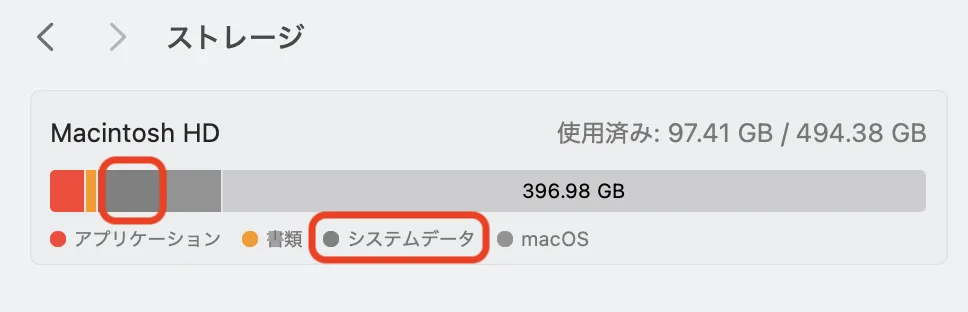
System Settings Storage Screen

1. Introduction​

My MacBook operates smoothly, but I recently wondered, "Are there any unnecessary files or settings accumulating where I can't see them?" prompting me to perform a system health check using the Terminal.

While there were no security issues, I discovered a shocking fact regarding my storage. A single hidden folder, invisible from the standard System Settings, was consuming a massive 109GB of space.

In this article, I will share the story of how I identified the cause of this storage hog and the steps I took to recover over 100GB of free space.

More Mac articles: Enabling key repeat · Fixing custom wallpaper issues · Fixing public Wi-Fi captive portals

What Is a Captive Portal? Fixing the Login Page Not Appearing on Public WiFi|Mac & iPhone

· 5 min read
hiroaki
Individual Developer

1. Introduction​

Have you ever tried connecting to public WiFi at a café or hotel, only to find that the authentication screen (captive portal) takes forever to appear, or doesn't show up at all?

I frequently struggled with this issue while working remotely, feeling the stress of "not being able to start work because I can't connect to the internet." However, after some investigation, I discovered that past WiFi connection history accumulated on the device was the culprit.

Based on my personal experience, this article explains how to organize and delete unnecessary WiFi history on both Mac and iPhone. This simple maintenance can improve the speed at which the login screen appears and ensure smooth connections to public WiFi.

More Mac articles: Enabling key repeat · Fixing custom wallpaper issues · Reclaiming 109GB of disk space

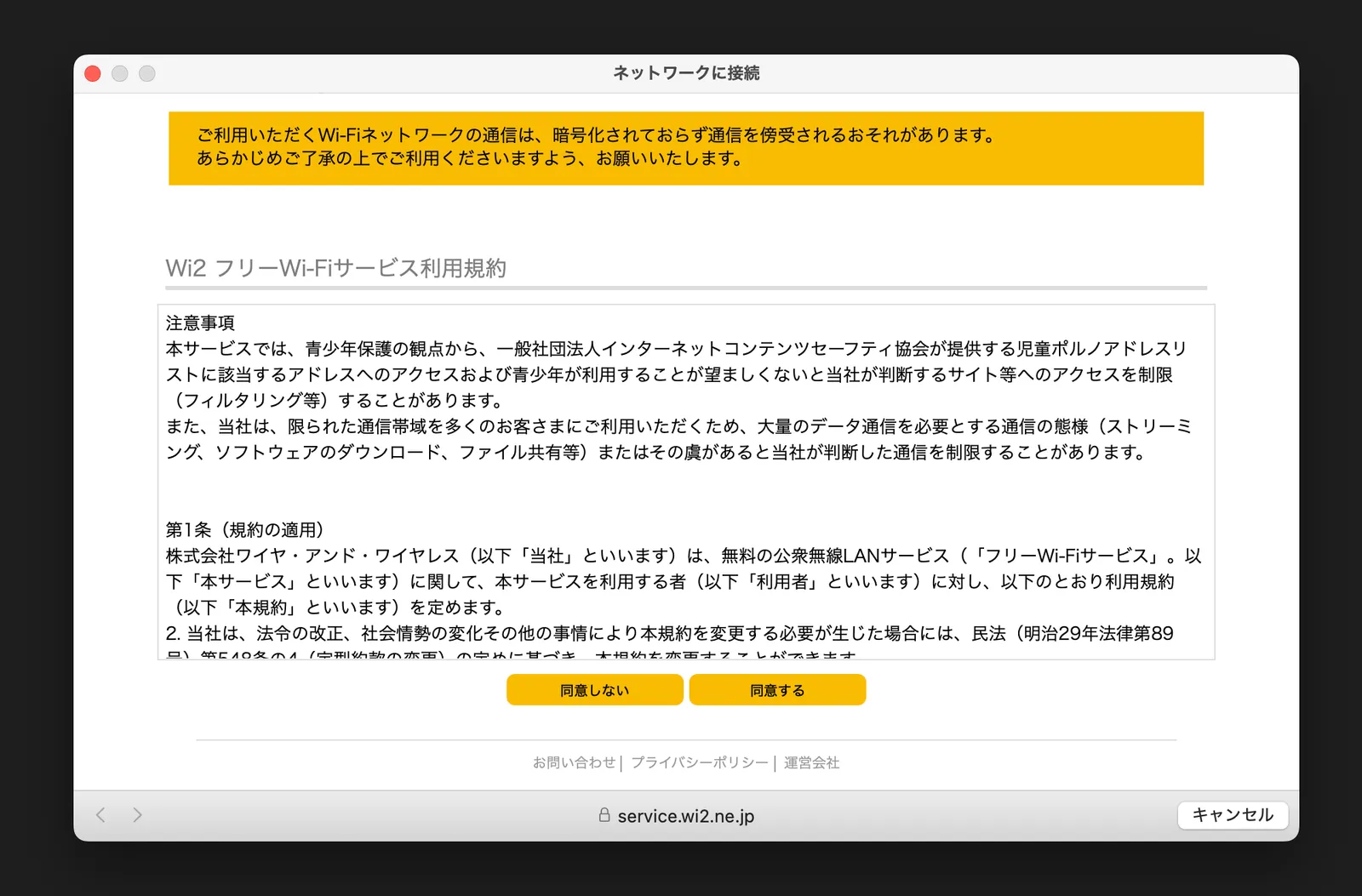
Example of Public WiFi Authentication Screen (Captive Portal)

Critical Issue: How to Break the Google Cloud MFA Login Loop

· 6 min read
hiroaki
Individual Developer

0. [Resolved] Outcome and Final Conclusion (Updated December 2025)​

Regarding this issue, I have finally successfully logged in and resolved the problem. I would like to share the conclusion with those who visited this article facing similar circumstances.
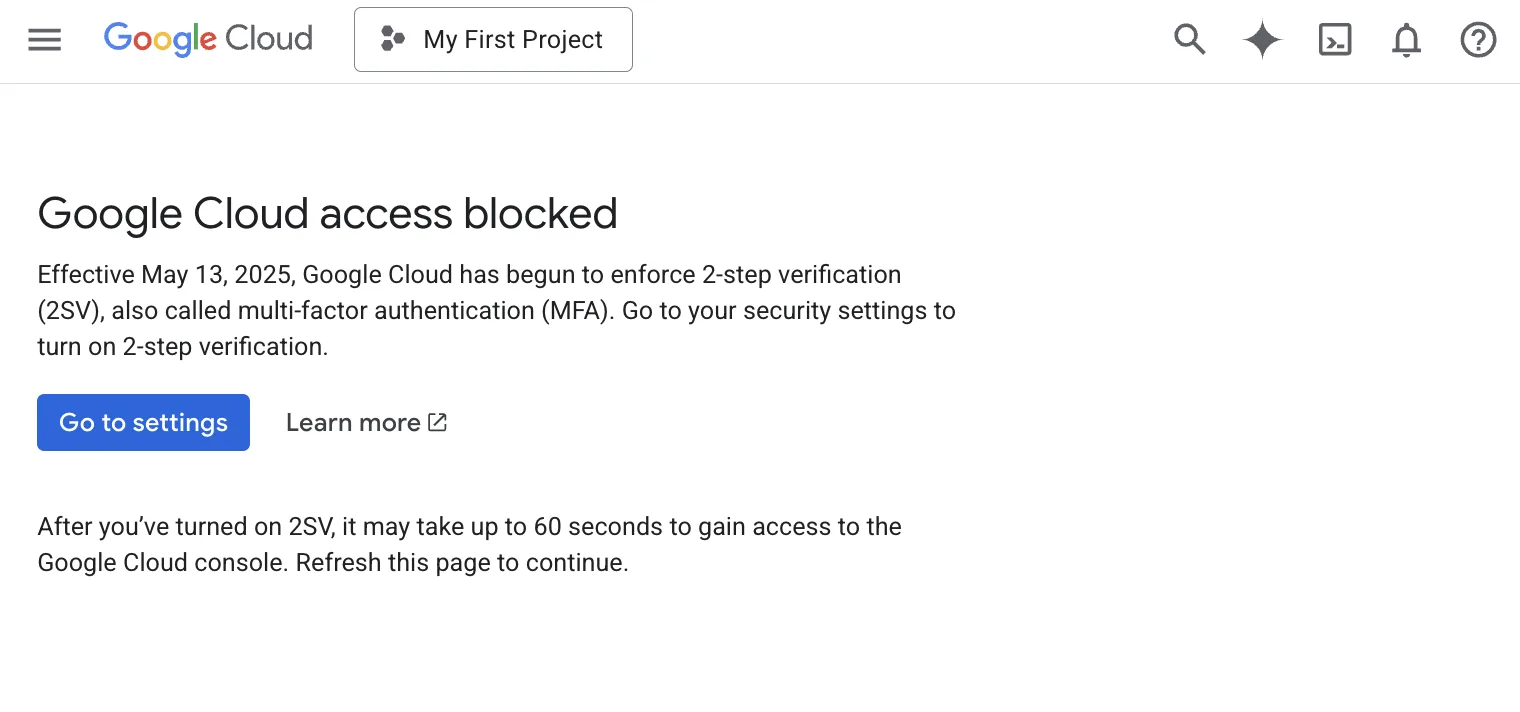
Google Cloud MFA Login Barrier

Results of Support Consultation and Investigation​

Initially, I requested an investigation through Billing Support to a specialized team. However, it took considerable time to coordinate the scope of responsibility between departments (Billing Team ⇄ Technical Team). Ultimately, I was informed that the "Technical Team could not investigate as it was outside their scope," and the case was closed with a suggestion to use the official community forums.

The 7-Day Waiting Period​

However, immediately after the support interaction ended—approximately 7 days after the error first occurred—the situation improved after I refrained from any operations. The 2-Step Verification (2SV) process, which had previously blocked me with the "We couldn't verify it's you" error, successfully went through. I was then able to configure my security settings and log in to Google Cloud.

Based on the login history, the presumed factor for resolution is: "By refraining from login attempts for a certain period, the system's security lock was automatically lifted."

How to Fix Custom Wallpaper Not Applying or Resetting on macOS

· 4 min read
hiroaki
Individual Developer

1. Overview​

This article provides a step-by-step solution for an issue on MacBooks where custom image files set as wallpaper (Desktop Picture) through System Settings are not applied correctly or are reset after a restart. After struggling with this minor but persistent issue for years, I finally found a solution and wanted to share it.

More Mac articles: Enabling key repeat · Reclaiming 109GB of disk space · Fixing public Wi-Fi captive portals

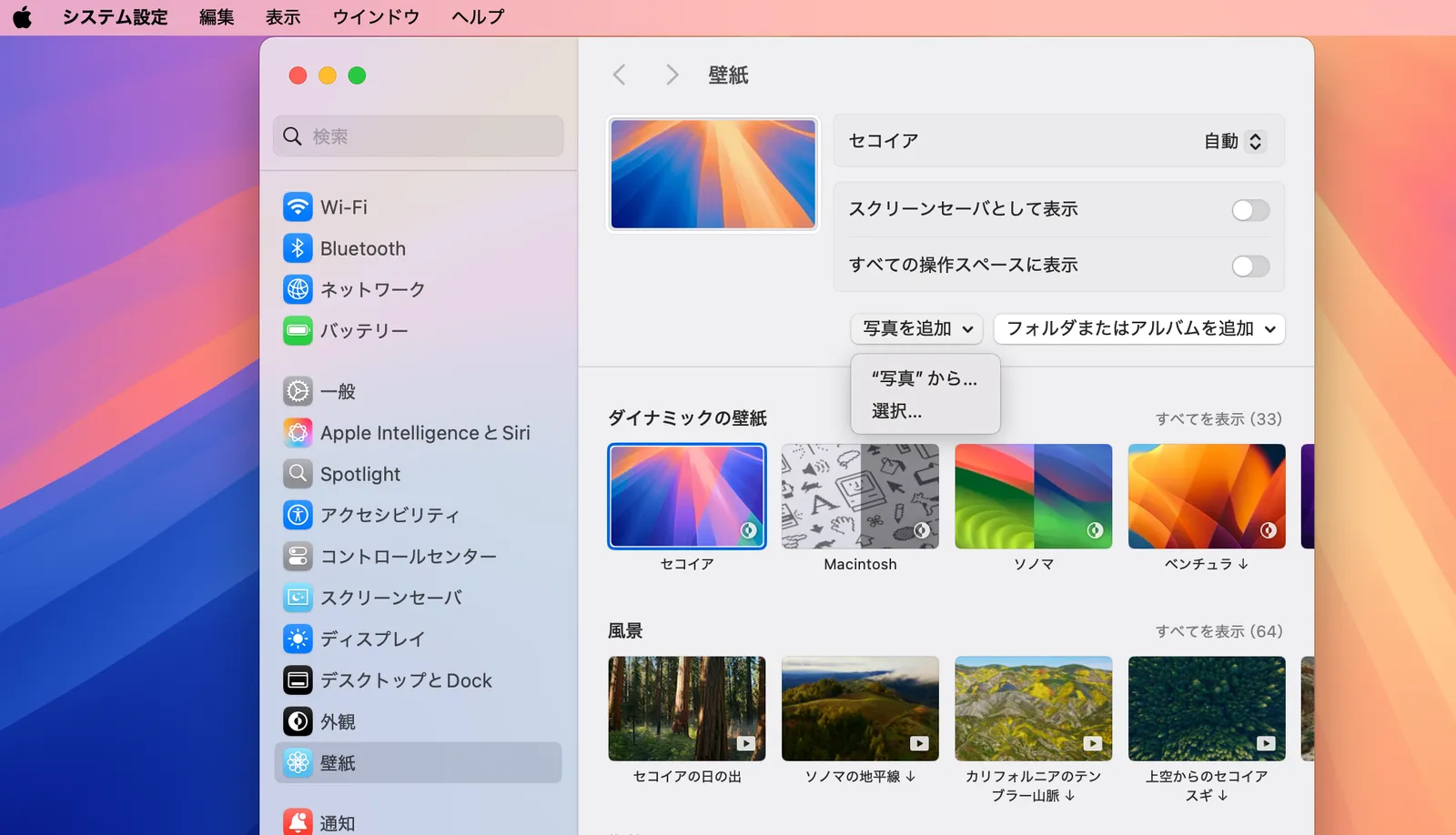
Wallpaper settings failing to apply from the System Settings menu